
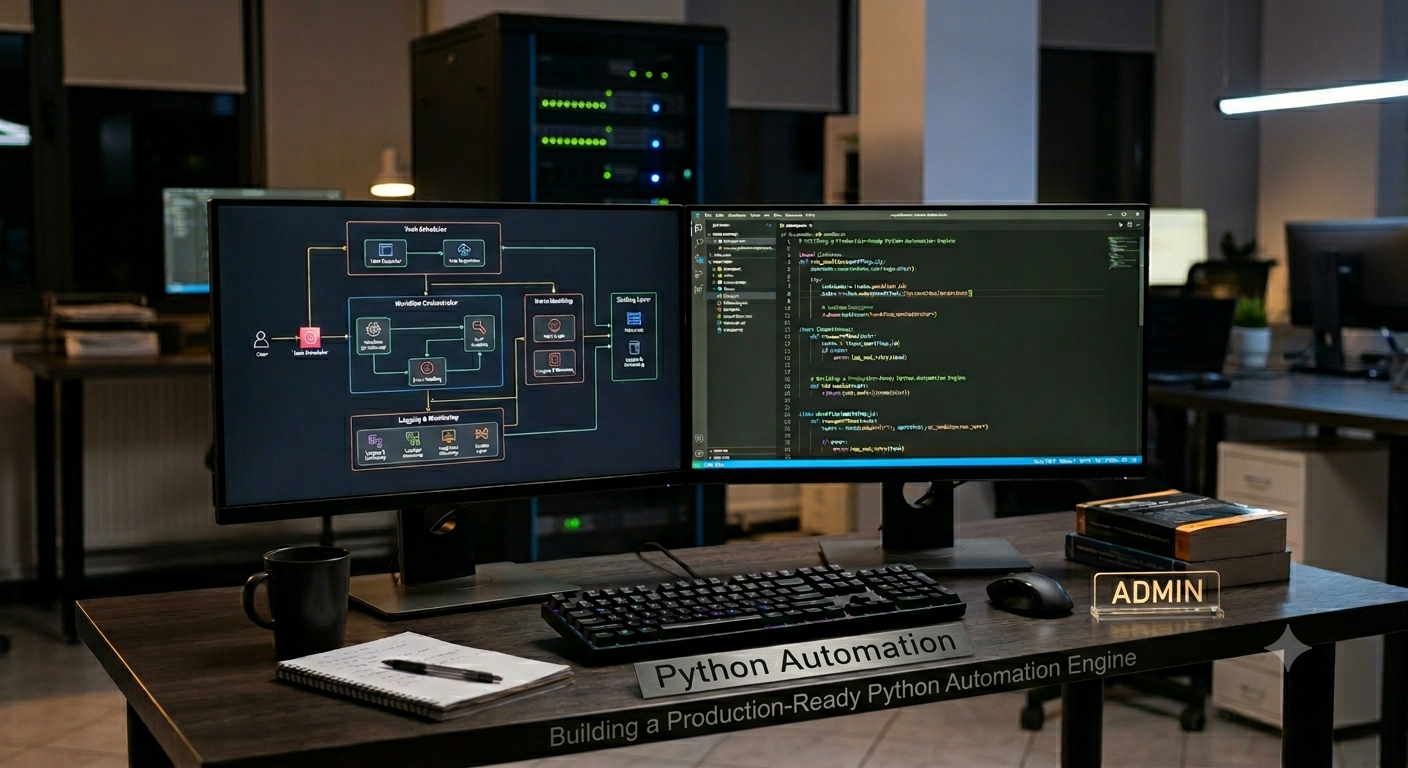
A Python automation engine is a system that runs tasks with little human work. It helps teams save time and reduce errors. Many companies use automation for data processing, file handling, reports, testing, and system management.
Today, automation plays a key role in modern software projects. Python stands out because it offers simple syntax, rich libraries, and strong community support. As a result, developers can build reliable workflows with less effort.
Building a Production-Ready Python Automation Engine is one of the most powerful ways to create scalable and reliable automation solutions. A good engine can manage tasks, track failures, store logs, and handle large workloads with ease.
Understanding a Python Automation Engine
What an Automation Engine Does
An automation engine controls and runs tasks based on rules. It can trigger jobs, process data, and create reports. Moreover, it helps teams keep operations smooth and organized.
Many businesses use automation engines for daily work. For example, they automate backups, email notifications, system monitoring, and data collection. Therefore, teams focus on important tasks instead of repetitive work.
Core Goals of Automation
The main goal is consistency. Every task follows the same process each time. As a result, the system produces predictable outcomes. Another goal is speed. Automated workflows finish tasks faster than manual methods. Furthermore, they reduce mistakes and improve productivity.
Planning the Architecture
Define Business Requirements
Before coding, define project goals. First, identify the tasks the engine must handle. Next, list expected workloads and performance needs. Clear requirements help developers choose the right design. Consequently, the engine grows without major changes in the future.
Create a Modular Structure
A modular design keeps components separate. For example, task scheduling, logging, monitoring, and storage should stay independent. This approach improves maintenance. Also, developers can update one module without affecting other parts.
Key Components of the Engine
Task Scheduler
The scheduler decides when tasks run. It manages timing and execution rules. Therefore, jobs start at the correct moment. Popular scheduling methods include interval scheduling and event-based scheduling. Both support automation workflows effectively.
Job Executor
The executor performs assigned tasks. It processes commands and returns results. Moreover, it handles multiple jobs when needed. A strong executor improves system performance. As a result, users experience fewer delays.
Configuration Manager
The configuration manager stores settings. It keeps API keys, task rules, and environment variables organized. Centralized settings simplify updates. Furthermore, they reduce configuration errors.
Core Engine Components
| Component | Purpose | Benefit |
| Scheduler | Runs jobs on time | Better workflow control |
| Executor | Executes tasks | Faster processing |
| Logger | Records events | Easier troubleshooting |
| Monitor | Tracks health | Improved reliability |
| Config Manager | Stores settings | Easy management |
Designing Reliable Workflows
Build Reusable Task Modules
Reusable modules reduce duplicate code. Developers create a task once and use it many times. This structure improves maintenance. Also, it helps teams scale automation projects faster.
Create Clear Dependencies
Some tasks depend on others. Therefore, define execution order carefully. Dependency management prevents workflow failures. As a result, processes remain stable and predictable.
Logging and Monitoring
Implement Comprehensive Logging
Logs record system activity. They capture task starts, completions, and failures. Good logs help developers find issues quickly. Consequently, troubleshooting becomes easier and faster.
Monitor System Health
Monitoring tools track CPU usage, memory consumption, and task performance. Therefore, teams detect issues before major failures occur. Real-time monitoring improves reliability. Moreover, it supports continuous operations.
Error Handling Strategy
Manage Exceptions Properly
Every automation engine faces errors. Network issues, file problems, and API failures can occur at any time. Exception handling prevents crashes. Instead, the engine records errors and continues important operations.
Add Retry Mechanisms
Retries help recover from temporary failures. For example, a network request may succeed on the second attempt. This strategy increases success rates. Therefore, workflows remain dependable.
Security Best Practices
Protect Sensitive Data
Automation systems often process confidential information. Therefore, secure storage is essential. Use encrypted secrets and protected credentials. As a result, sensitive data remains safe.
Control User Access
Role-based access helps protect the system. Users receive permissions based on their responsibilities. This approach limits security risks. Moreover, it improves compliance standards.
Security Measures
| Security Practice | Purpose | Result |
| Encryption | Protect data | Better security |
| Access Control | Limit permissions | Reduced risk |
| Audit Logs | Track activity | Greater visibility |
| Secret Management | Secure credentials | Strong protection |
| Validation Rules | Check inputs | Fewer vulnerabilities |
Database Integration
Store Automation Data
Databases keep execution history, logs, and task results. Therefore, teams can review performance over time. Reliable storage supports reporting and analysis. Furthermore, it improves system transparency.
Choose the Right Database
Small projects may use SQLite. Larger systems often use PostgreSQL or MySQL. The choice depends on scale and workload requirements. As a result, performance stays consistent.
API Integration
Connect External Services
Modern automation relies on APIs. These interfaces allow communication with external platforms. For example, automation engines connect with payment systems, cloud services, and reporting tools.
Handle API Limits
Many APIs enforce usage limits. Therefore, developers should manage requests carefully. Rate-limit handling prevents service disruptions. Consequently, integrations remain stable.
Testing the Automation Engine
Unit Testing
Unit tests verify individual functions. Each component receives validation before deployment. This process improves code quality. Moreover, it reduces unexpected issues.
Integration Testing
Integration tests check interactions between modules. Therefore, developers confirm the entire workflow operates correctly. Strong testing creates confidence before production deployment.
Deployment and Scaling
Deploy with Containers
Containers simplify deployment across environments. They package code, libraries, and dependencies together. As a result, deployments become predictable and consistent.
Scale for Growth
A production system must support growth. Therefore, developers should design for higher workloads. Horizontal scaling distributes tasks across multiple workers. Consequently, performance remains strong.
Performance Optimization
Improve Execution Speed
Efficient code reduces processing time. Developers should optimize database queries and task execution. Small improvements often create significant gains in large systems.
Reduce Resource Usage
Resource management keeps costs under control. Therefore, monitor memory and CPU consumption regularly. Efficient resource usage supports long-term scalability.
Maintenance and Continuous Improvement
Review System Metrics
Metrics reveal performance trends. Teams use them to identify bottlenecks and opportunities. Regular reviews support system health and reliability.
Update Dependencies
Libraries receive security fixes and improvements. Therefore, keep dependencies current. Regular updates strengthen performance and protection.
FAQ’s
How does a Python automation engine improve productivity?
A Python automation engine handles repetitive tasks automatically. Therefore, teams spend more time on valuable work and less time on manual processes.
Which database works best for automation systems?
PostgreSQL is a strong choice for large workloads. However, SQLite works well for small projects and testing environments.
Why is logging important in automation?
Logging records system events and errors. As a result, developers can diagnose problems and improve reliability.
Can automation engines connect to cloud services?
Yes. Most automation engines integrate with cloud platforms through APIs. Therefore, they support modern business workflows.
What is the most important feature of a production-ready engine?
Reliability is the key feature. A dependable system handles failures, stores logs, and maintains stable operations.
Conclusion
A production-ready Python automation engine delivers efficiency, consistency, and scalability. It combines scheduling, execution, monitoring, logging, and security into one organized system. Therefore, businesses gain reliable automation for daily operations.
A strong architecture supports long-term growth. Modular components, clear workflows, and proper testing help developers build dependable solutions. Moreover, monitoring and error handling keep systems stable under real workloads.
Success comes from careful planning and continuous improvement. When teams focus on security, performance, and maintainability, they create automation platforms that support business goals for many years.